Change the font size - While holding the control key, move the scroll wheel on your mouse either up or down. This trick works while being focused in either the read or write area.
Insert line breaks - If you want to have a message that spans multiple paragraphs, just hold shift and hit enter. You can add as many new lines as you want to create.
Bold Text - To write something bold, you can use an asterisk before and after the word, like *this* .
Italic Text - To use italics, use an underscore before an after the word, like _this_ .
Switch windows - Hitting tab will cycle through open windows. It will select minimized conversations, to expand them just hit enter. If you just want to cycle through IM's and don't care about the buddy list, control-tab will do that and will automatically expand a minimized conversation if you settle on one.


Subscribe to:
Post Comments (Atom)
Featured Posts
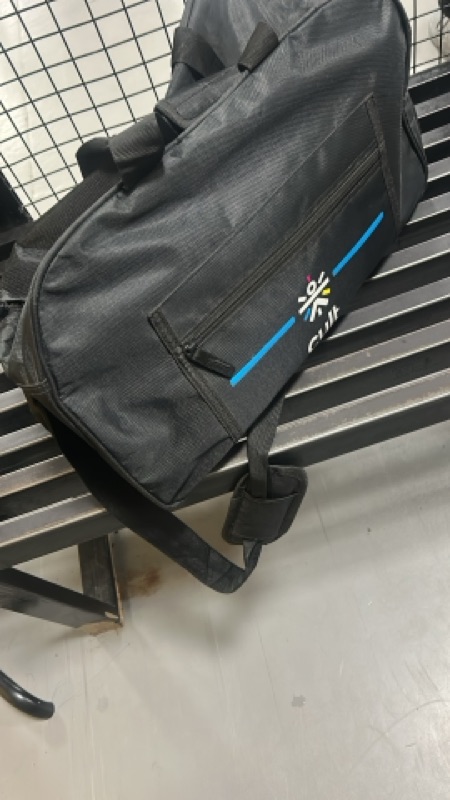
Day 2: Waiting, Hoping… and Getting Frustrated
Thursday morning, the last week of April 2026. I walked back into the gym at exactly the same time — 9:00 AM. There’s something about ro...
-
he Microsoft Azure Portal provides two basic methods to create a new virtual machine: Quick Create and From Gallery . With the Quick Crea...
-
Are there any cmdlets that can redirect output into a file, or to a printer? Help file Out-File Out-printer


No comments:
Post a Comment